Documentation
VT Planner Building Setup Guide
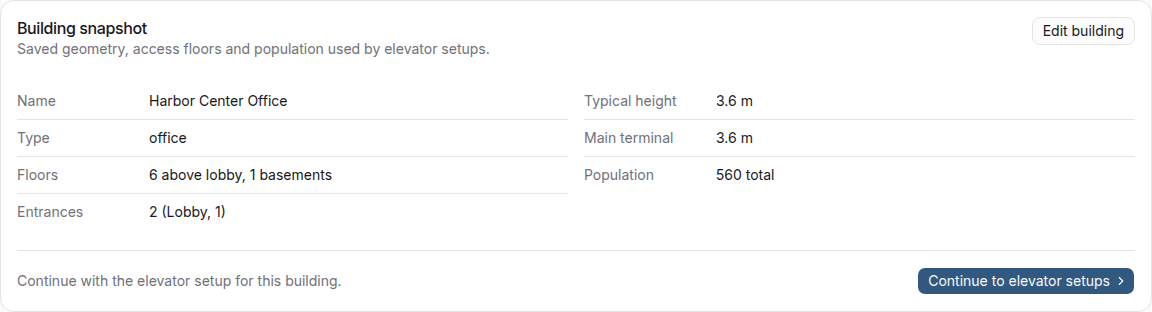
Guide to defining and saving building geometry, entrances, floor heights, basements, population, and building versions in VT Planner.
The saved building is the common basis for every elevator setup and analysis in a project. Define it before comparing elevator alternatives.
Building Basics
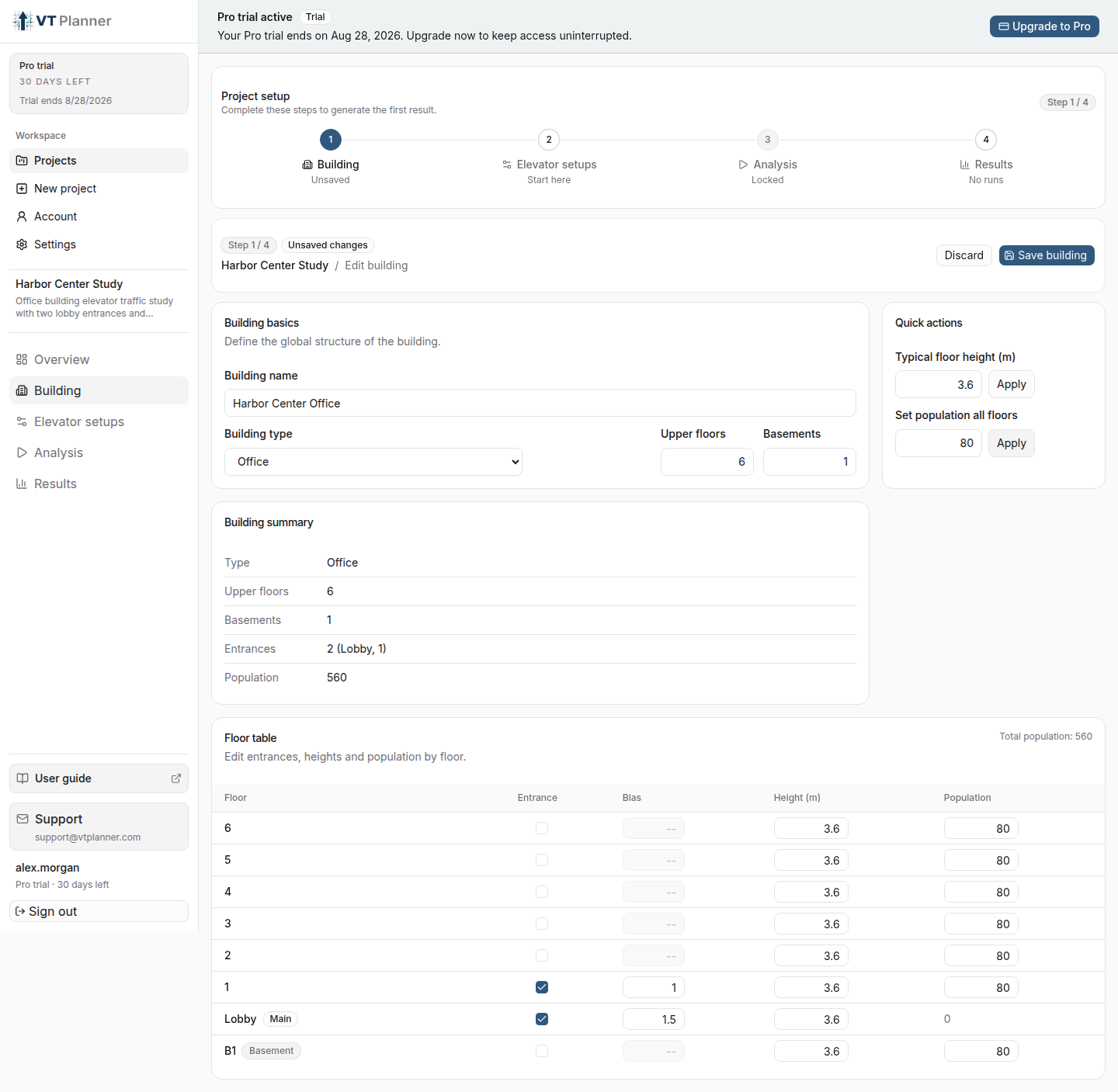
| Field | What to enter |
|---|---|
Building name |
A recognizable name for the building or study variant. |
Building type |
The dominant use: Office, Residential, Hotel, or Hospital. This also determines which Standard traffic profiles are available. |
Upper floors |
The number of levels above Level 0 (Lobby), up to 200. |
Basements |
The number of negative levels, up to 20. |
Building type is both a project category and an operating assumption because it determines the demand profiles available to an analysis.
Floor Table
Review these values for every floor:
| Column | Purpose |
|---|---|
Entrance |
Marks an external access floor where passenger trips can enter or leave the building. |
Bias |
Sets the relative use of an entrance. A bias of 2.0 has twice the demand weight of a bias of 1.0; VT Planner normalizes all selected entrance weights. |
Height |
Defines the vertical distance used for elevator travel. |
Population |
Defines how occupancy and passenger demand are distributed across floors. |
Level 0 (Lobby) has zero population and receives traffic through its role as an entrance. Basements can be entrances, occupied floors, or both when that matches the project.
Quick Actions
Use the quick actions to enter repeated values, then inspect the floor table before saving:
- apply a typical floor height;
- set a common population across applicable floors.
Adjust individual floors when lobby levels, amenities, parking, or tenant areas differ from typical floors.
Entrances and Service Zones
Mark every real external access floor. Entrance selection also affects whether a zoned elevator setup can serve the building:
- if
Level 0 (Lobby)is the only entrance, it is included implicitly in every manual service zone; - if there is more than one entrance, every entrance—including Level 0—must be assigned explicitly to at least one zone.
See Building Demand Model for demand consequences and Zoning and Transfers for zone coverage.
Save the Building
Select Save building after checking geometry, entrances, heights, and population.
Saving later changes to the building creates a new building version for the project. Elevator setups made for an older version are marked Outdated; review and save an updated setup before launching another analysis.