
Documentation
VT Planner Projects Guide
Learn how to create, search, open, describe, and delete VT Planner projects for elevator traffic studies.
A project groups the building, elevator setups, and analysis history for a study.
Create a Project
- Open
Projects. - Select
Create project. - Fill in
Project name. - Use
Descriptionfor the study scope or identifying context. - Select
Create project.
Fields
| Field | Purpose | Recommendation |
|---|---|---|
Project name |
Identifies the study in the project list. | Use the building, client, or main alternative. Example: Corporate tower modernization. |
Description |
Stores additional project context. | Include the study scope or the alternatives being reviewed. Keep detailed assumptions in setup names, notes, and reports. |
Search and Open Projects
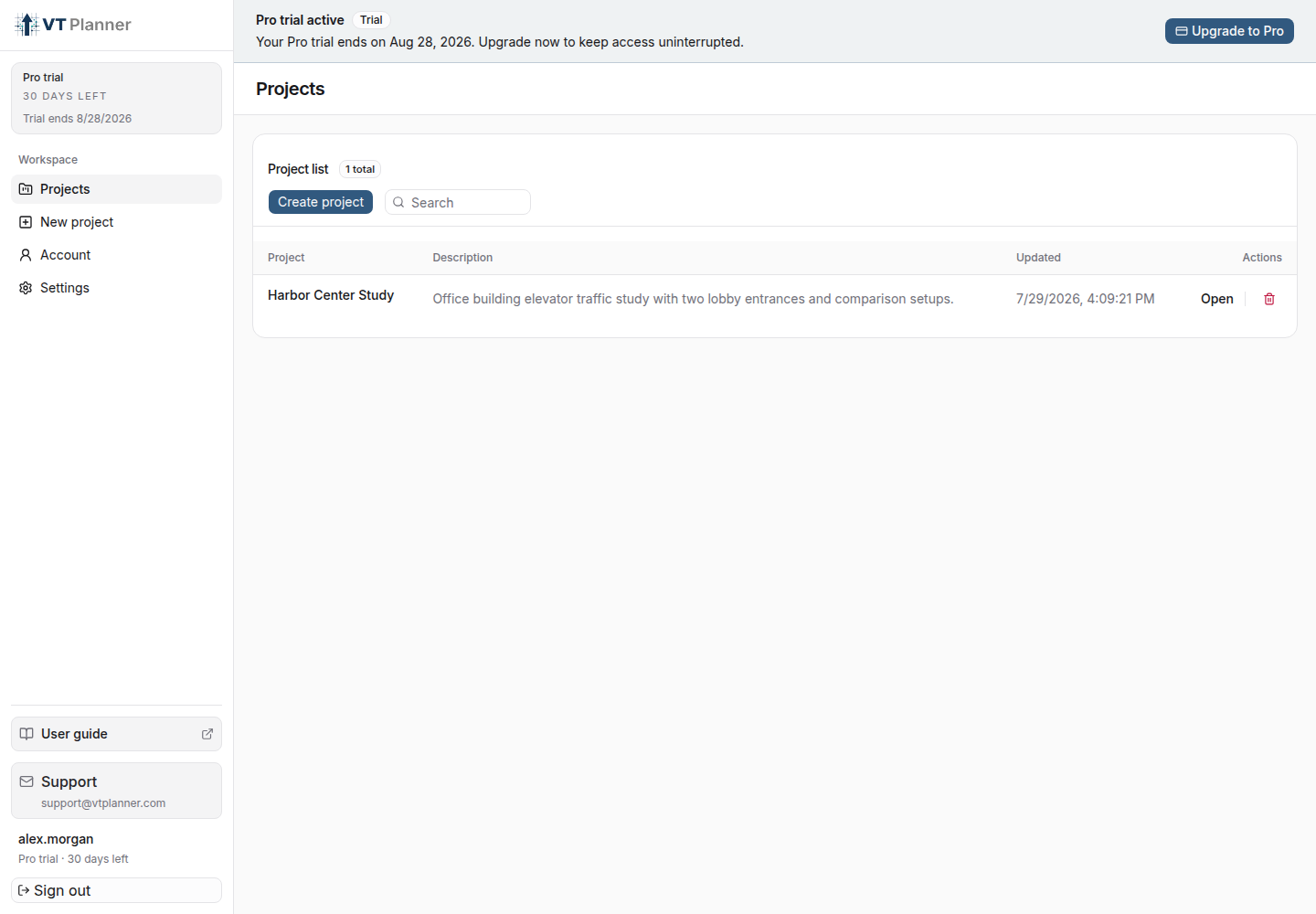
The Project list screen lets you search by name or description. Use the Search field when you have several projects to review.
To open a project, select the project name or the Open action.
Delete a Project
Delete project removes its building versions, setups, runs, and reports from the workspace. Download any required reports or audit data before confirming.
Creating a project requires writable access and available plan capacity. Open Account to review current access and usage.